Assets
Model the machines you monitor, such as pumps, conveyors and motors. Each asset belongs to a group, has a type and location, and is monitored through the measurement points you attach to it.
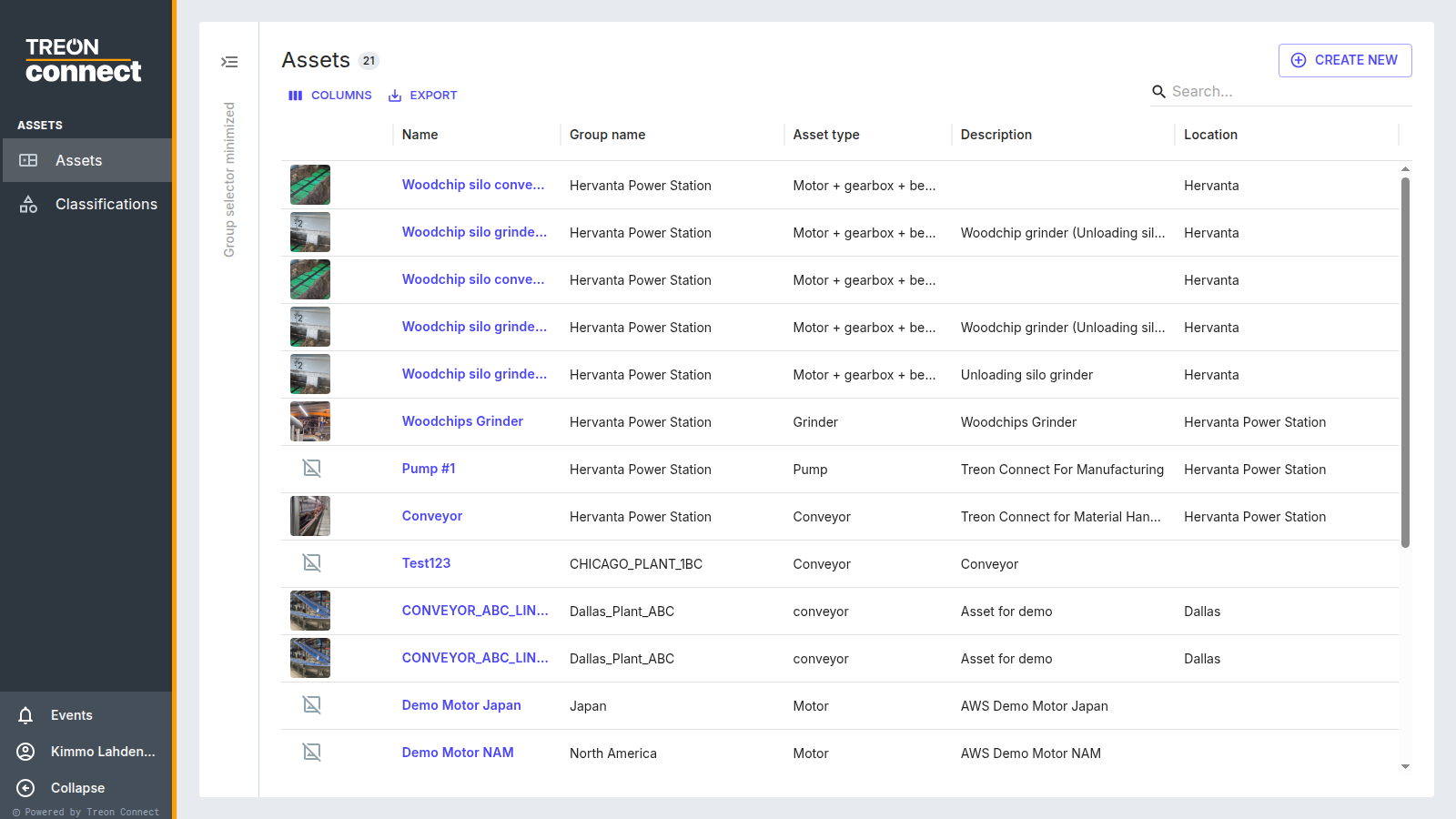
The asset list shows every asset in the groups you currently have selected, with its picture, group, type and location. Use Columns to adjust the table, Export to download it, and the search box to find assets by name.
Not seeing an asset you expect?
The list only shows assets in the groups selected in the group selector (left edge). Selecting a parent group does not automatically include its sub-groups — select the sub-groups too, or use search. See Troubleshooting.
What you can do here
- Create and manage assets — details, images, standard operating procedures, measurement points and RPM setup
- Classifications — assign ISO or custom vibration classes to assets