Assets & measurement points
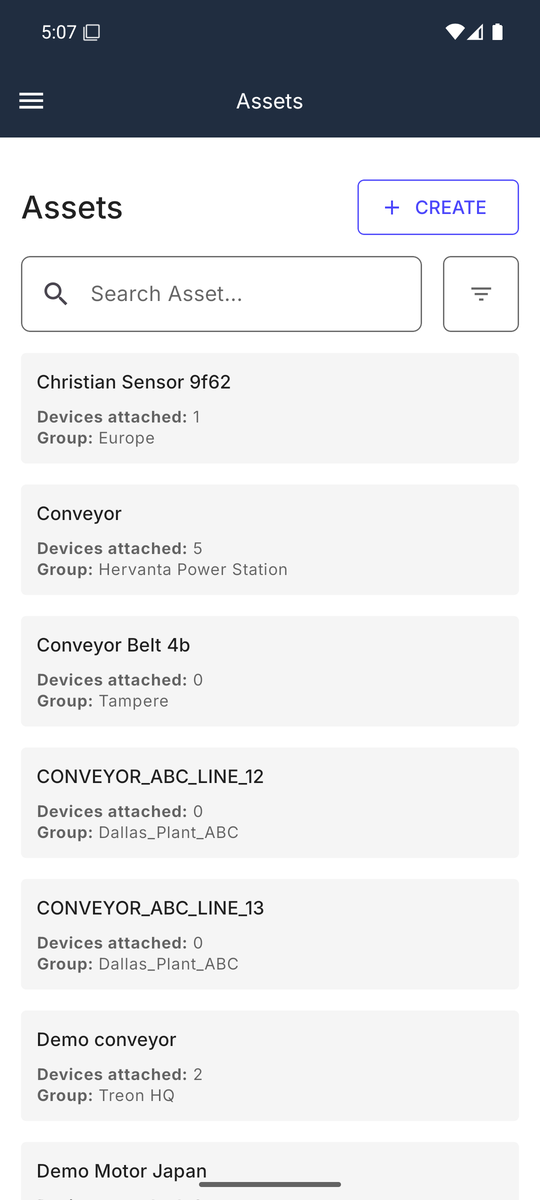
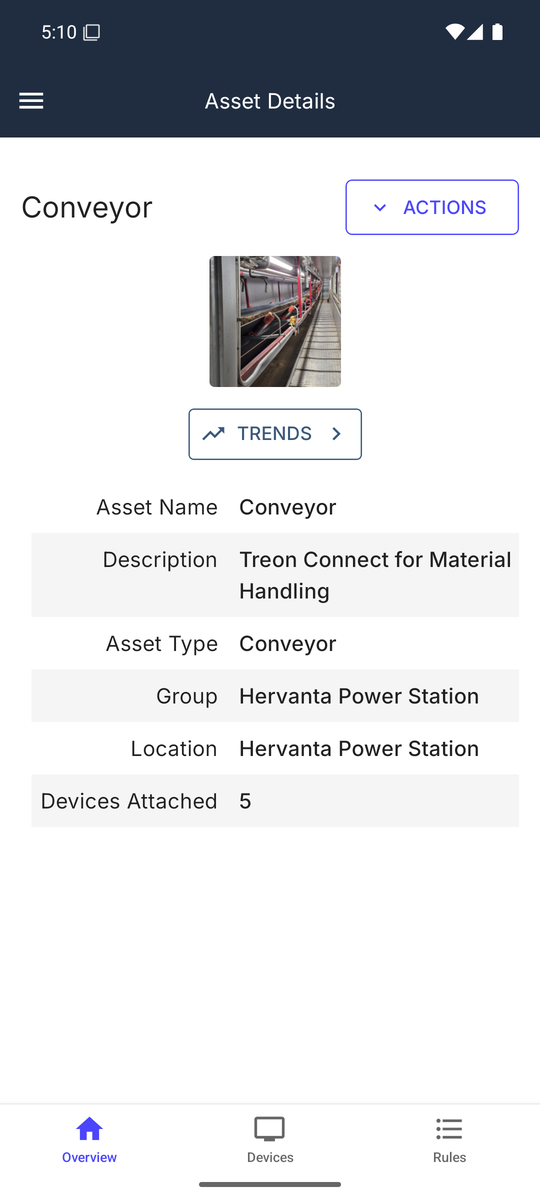
Get asset details wherever you are. Browse or search the hierarchy, then open an asset to see its overview, attached devices and event rules.
Devices on an asset
The asset's Devices tab lists the attached sensors — each with its name, model, registration date and an online indicator — and is where you attach a sensor to the asset as you install it. ATTACH starts the guided flow: pick the device, optionally position it on the group's floor-plan layout image (skippable if the group has no layout), and optionally take a photo, then save.
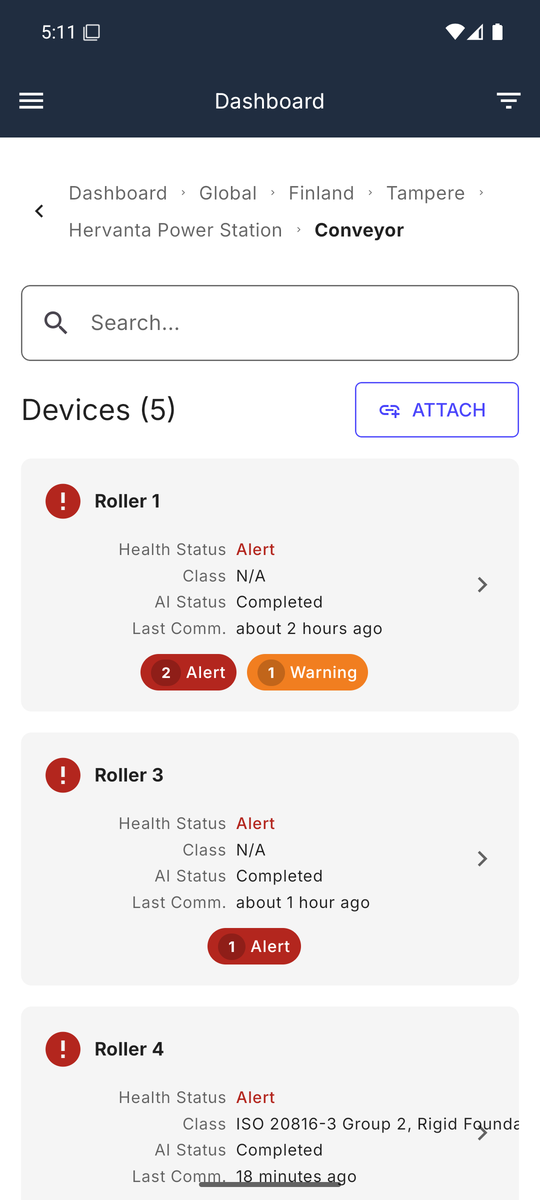
The richer per-device view — health status, ISO class, AI training status, last-communication and open-event counts — is the Dashboard drill-down, reached by tapping into a group from the Dashboard, which is also where you read a device's KPI trends.