Register devices
Treon devices are not added by hand. Each one registers itself the first time it reaches Treon Connect, and then appears in Devices — so "registering devices" is really about confirming what arrived and preparing it for use.
1. Confirm the devices arrived
Open Devices. Gateways appear once they are online and registered; sensors appear as they report in through a gateway.
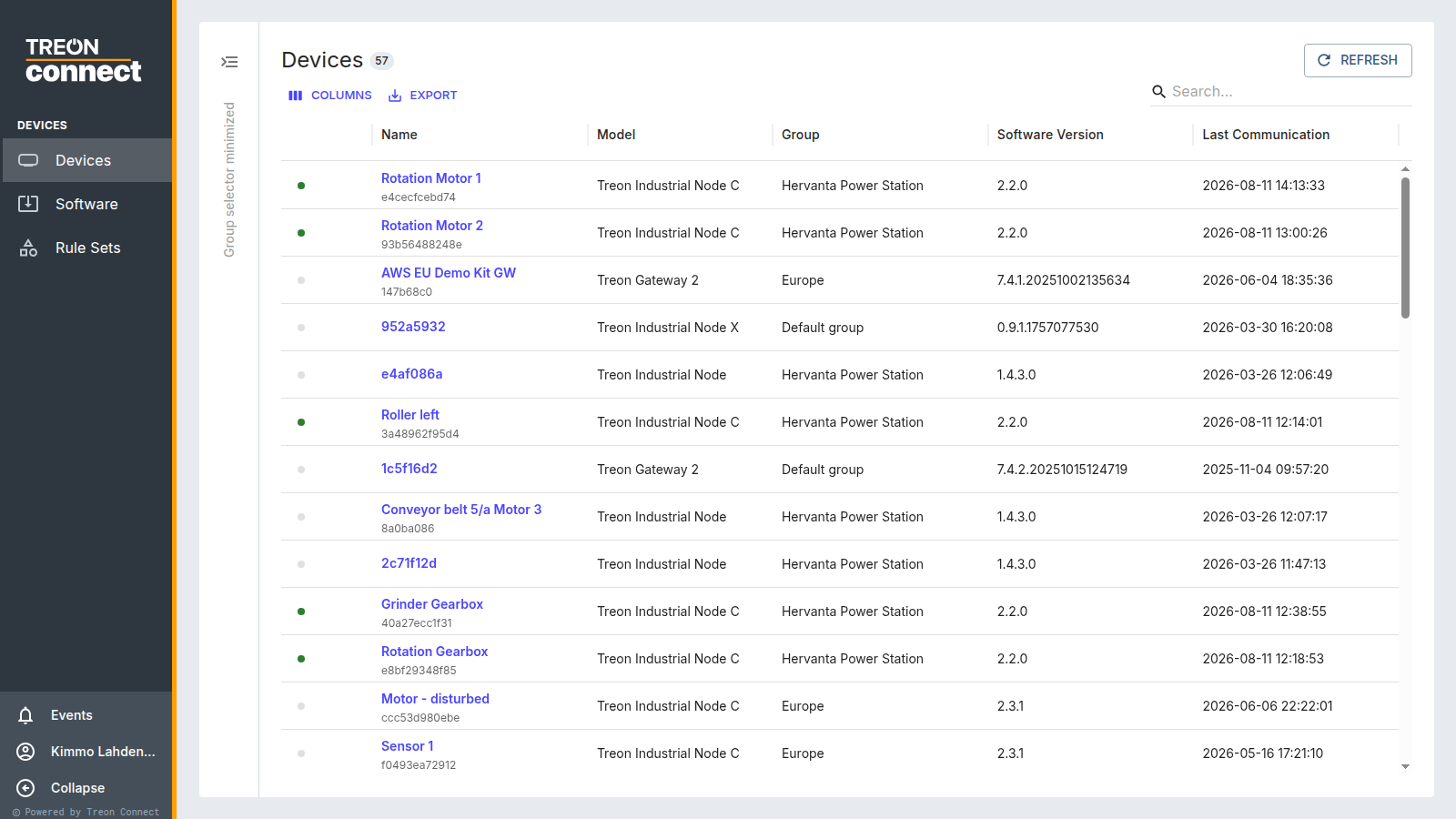
A device you installed but cannot find has not reached the platform yet. Work backwards:
- Gateway missing — an internet problem. Check the status light and the connection; see Gateway installation.
- Sensor missing — a radio problem, or the sensor is not powered on. See Connectivity verification.
2. Check firmware
New devices may prompt a firmware update. Bring the fleet to a known version before you build assets on top of it — some measurement features depend on the firmware version. See Firmware updates.
3. Check the measurement configuration
Confirm each sensor is measuring the way this deployment needs, in Configurations — the measurement interval and, for a Treon Industrial Node X, whether the KPIs, FFTs and waveforms you want are enabled.
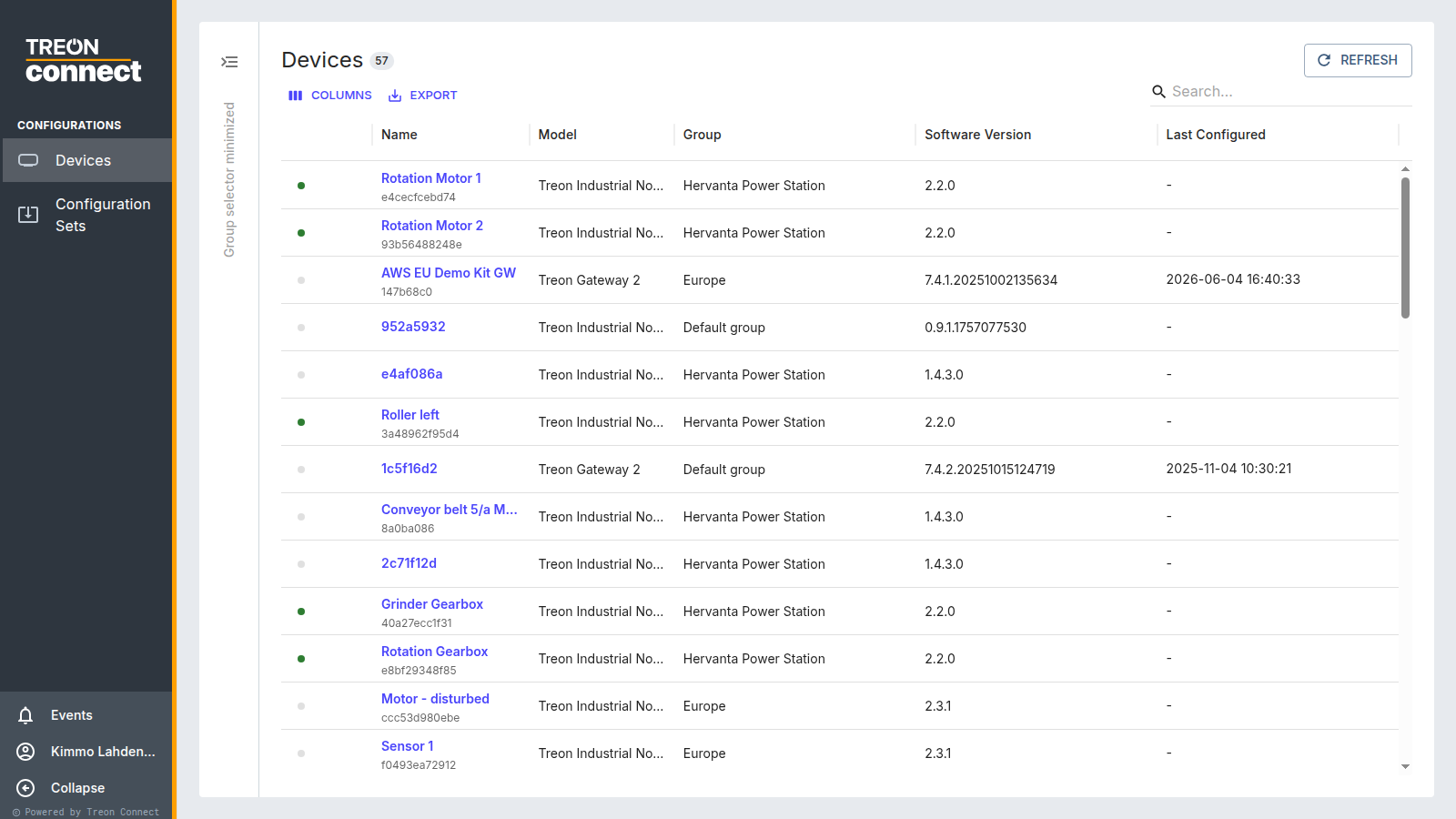
Where many devices of the same model should measure the same way, define it once as a configuration set and apply it to all of them rather than editing each device.
4. Note serial numbers against positions
Devices are identified by serial number, and once a sensor is attached to an asset that mapping is what tells you which physical sensor to walk up to. Keep the installer's record of serial number → machine position; you will need it in the next step.